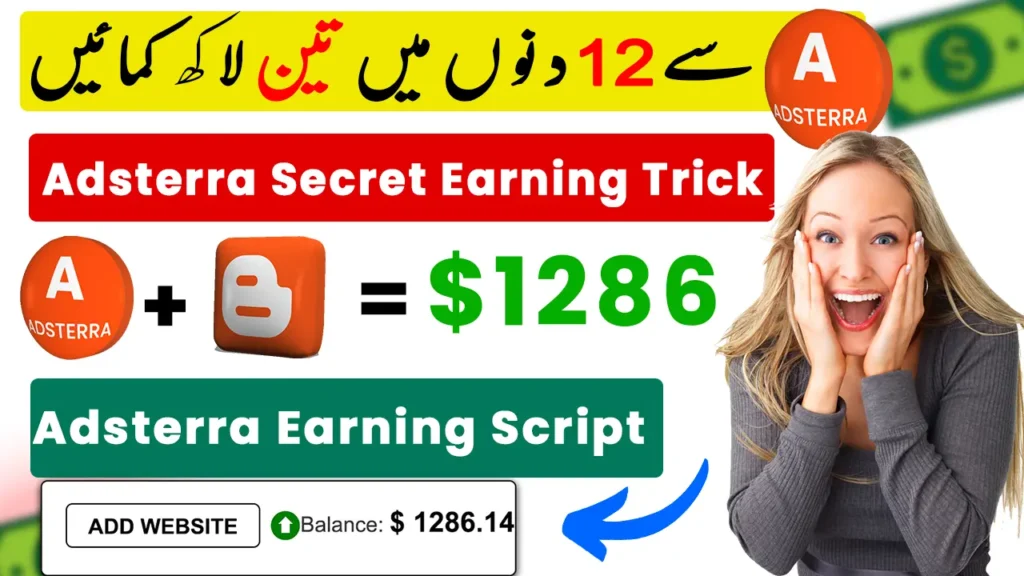
Festival “wishing scripts” are simple greeting pages: a visitor types their name, gets a personalised Christmas, New Year or Eid greeting, and shares it with friends on WhatsApp. Because these pages spread quickly during festivals, many bloggers place Adsterra ads on them to earn from the traffic. In this guide you will learn how the method works, how to set it up on Blogger, and how to do it without getting your Adsterra account banned.
What is an Adsterra wishing script?
A wishing script is a small HTML/JavaScript page. It shows a greeting card with the visitor’s name and a “Share on WhatsApp” button. Every share brings new visitors to the same page, and each visit can show Adsterra ads such as Social Bar, Native Banner or Banner ads. The idea is old, but it still works best around big festivals like Christmas (December 25), New Year and Eid.
What you need
- A free Blogger blog (or any website)
- An Adsterra Publisher account
- The wishing script file (download below)
- About 20 minutes
Step-by-step setup on Blogger
- Create your Adsterra account. Sign up as a publisher at Adsterra and add your Blogger URL as a website.
- Create ad units. In the Adsterra dashboard, create a Social Bar and a Native Banner or 300×250 Banner for your site and copy their codes.
- Create a new Blogger blog for the festival (for example
happychristmaswish.blogspot.com). - Switch to a classic theme. In Blogger go to Theme → Customize → “Switch to first generation Classic theme”. This gives you a clean HTML template.
- Paste the script. Click “Edit HTML”, delete the existing code, paste the wishing script code and save.
- Add your own site link. Inside the script, find the share-button line that contains
yoursitelinkand replace it with your own blog URL, so shared links come back to your page. - Add Adsterra codes in the places marked in the script (normally one banner above the greeting and the Social Bar before
</body>). - Mobile settings: in Theme → Mobile, choose “Desktop” so the same template shows on phones.
- Test it. Open the page on your phone, enter a name, and check that the greeting, share button and ads all work.
How to get real traffic
- Share with your own network first – friends, family and community groups where festive greetings are welcome.
- Post on your social pages (Facebook page, Instagram story, Telegram channel) a few days before the festival.
- Make a short video showing the greeting card. Short videos on YouTube Shorts and Reels bring steady traffic.
- Start early. Traffic peaks 2–3 days before the festival and on the day itself.
Important: stay within Adsterra’s rules
Adsterra pays only for genuine traffic. Your account can be blocked and earnings withheld if you:
- use bots, traffic exchanges or paid “click” services,
- ask people to click ads or offer rewards for clicks,
- spam groups that did not ask for your link,
- place ads in a misleading way (for example disguised as the “Share” button).
Keep the page useful and honest, and treat festival scripts as a seasonal bonus, not a full-time income. Earnings depend on your visitors’ countries, ad formats and traffic quality, so results vary a lot.
Which Adsterra ad formats work best?
- Social Bar – usually the best performer on mobile greeting pages.
- Native Banner – blends with content and keeps the page clean.
- Banner 300×250 – simple, safe placement below the greeting.
Avoid stacking too many pop-under or redirect formats; they annoy visitors and reduce shares.
Frequently Asked Questions
Does this work for Eid and New Year too?
Yes. The same script works for any festival. Just change the greeting text and images.
Can I use Google AdSense instead?
Thin greeting pages rarely get AdSense approval. Adsterra accepts them more easily, which is why it is popular for this method.
How much can I earn?
There is no fixed amount. It depends on traffic volume, visitor countries and ad formats. Focus on real, willing visitors.